


Precision Balance BFT1S3 (BBAL-222)
Precision Balance- Sea, Air, Door to Door Shipping
- 1 Year Warranty
- US & European Standards


Specifications
| Model | BFT1S3 |
| Capacity | 310g |
| Readability | 0.001g |
| Min Weighing | 0.001g-0.004g |
| Repeatability | ±0.002g |
| Linearity | ±0.003g |
| Stable Time | ≤3s |
| Pan Size | Φ90mm |
| Appearance Size | 270*200*280mm |
| Draft Shield Size | 170*165*180mm (Inner diameter) |
| Calibration | External calibration |
| Cal. Weight | 200g |
| Packing Size | 360*265*350mm / 560*380*730mm (4 units per box) |
| Gross Weight | 4kg / 16kg (4 units per box) |
Features
LCD/AC and DC power supply (AA*3)Tare function / Counting / Unit conversion (g/ct/oz...)
Min weighing set
Overload alarm / Level indicator
Option: Dual display / Interface / Printer / Dust cove
Accessories For Purchase
| Images | Name | Description | Information |
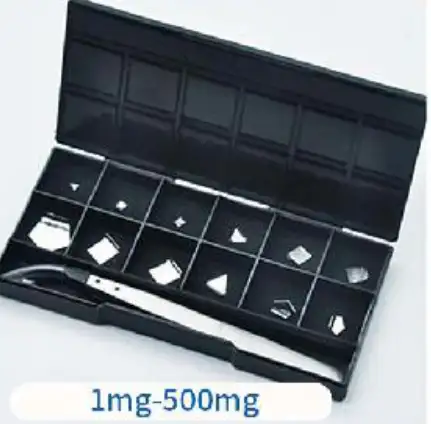 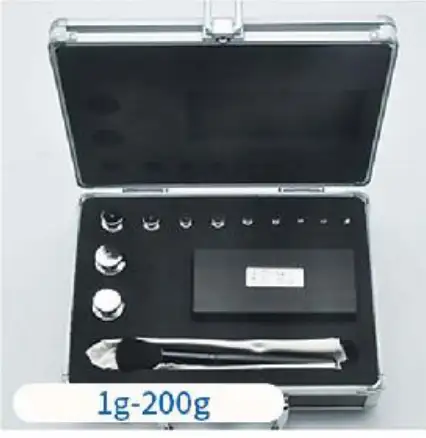 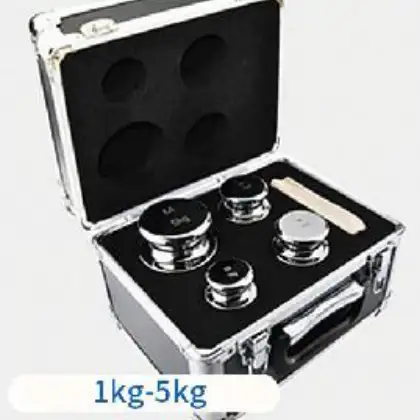 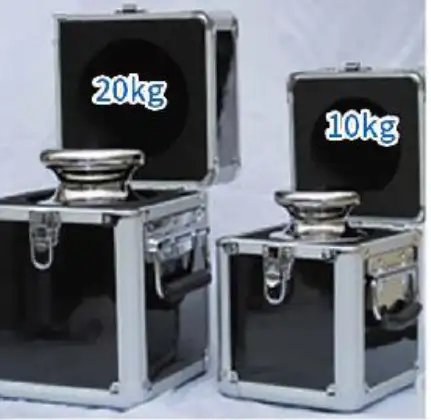 | Weight set | Recommend corresponding accuracy calibration (1mg-20kg) | M1 levelSuitable for 0.1g-0.01g F2 levelSuitable for 0.01g-0.001g F1 levelSuitable for 0.001g-0.0001g E2 levelSuitable for over 0.0001g |
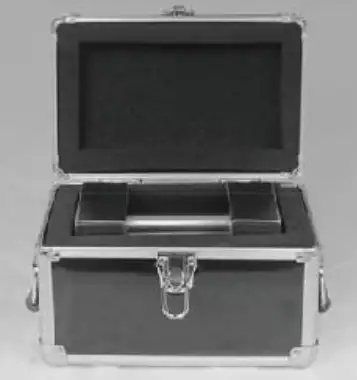 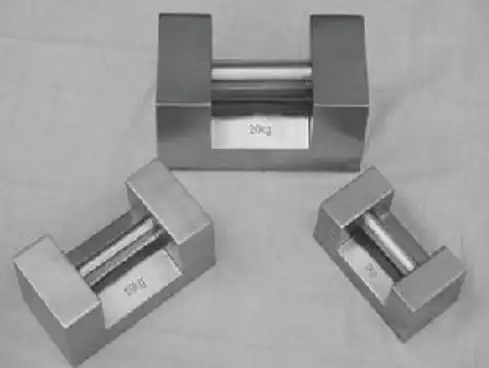 | Weight set | Lock type series weights (5kg-20kg) | M1 levelSuitable for 0.1g-0.01g F2 levelSuitable for 0.01g-0.001g F1 levelSuitable for 0.001g-0.0001g |
Operating Manual
Download1. Model specification and index
2. Structure Diagram
3. Display Icon
4. Working Condition
5. Operation Requirements
6. Operation
7. Calibration
8. Weighing
9. Tare
10. The counting operation of balance
11. Cautions
12. Unit Change
13. Weighing Range Setting
14. Minimum weight setting
15. Package list
BBAL-222 Precision Electronic Balance is a kind of intellectual measuring instrument with weighing, counting and other many functions. The product introduces imported integrated circuit and enjoys stable and reliable performance, easy operation and accurate weighing and counting,as a kind of measuring instrument.
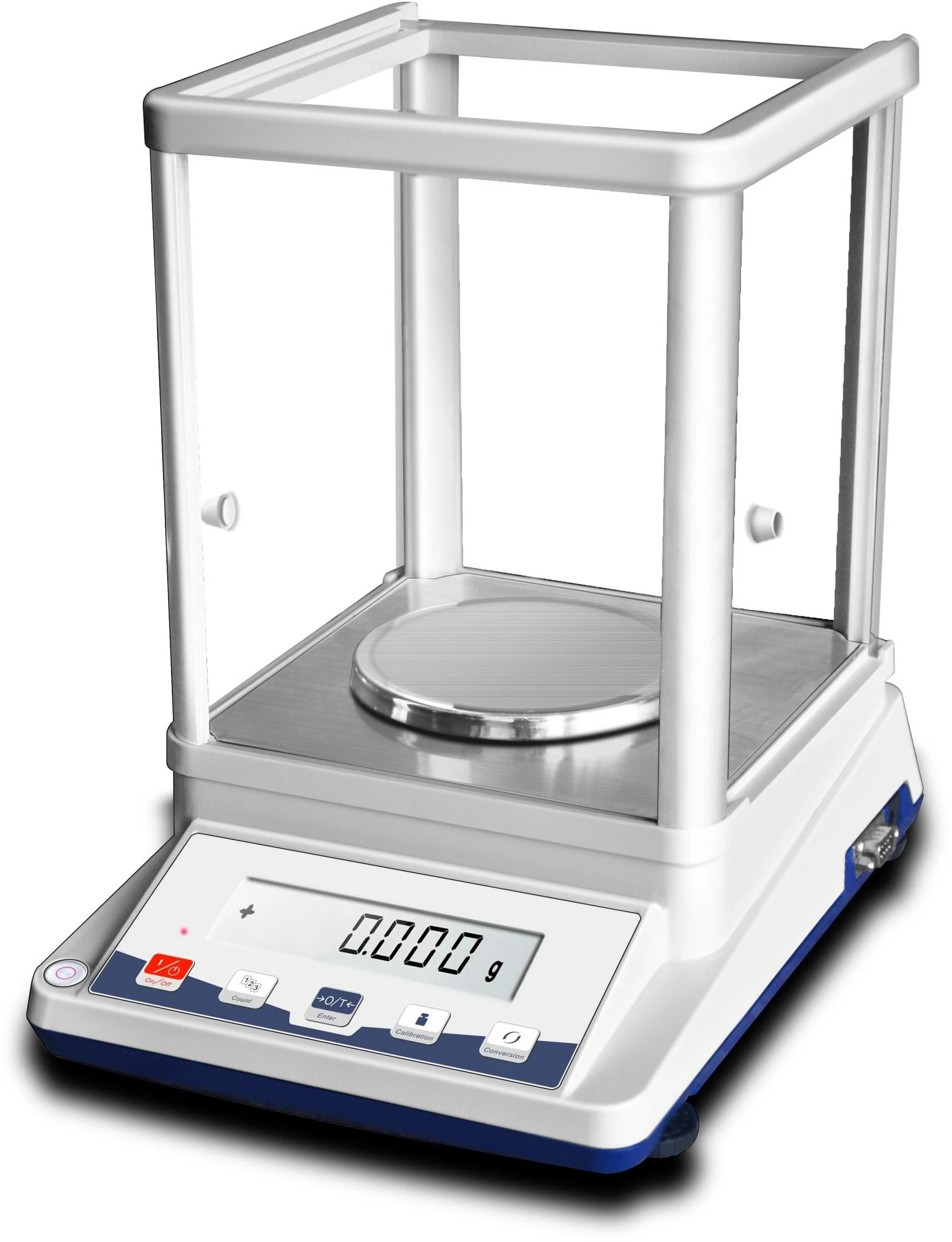
Figure 1
1. Model specification and index
Model | Capacity | Readability | Size Of Weighing Pan |
BBAL-222 | 310g/1mg | 1mg | Φ90mm |
Table 1
2. Structure Diagram
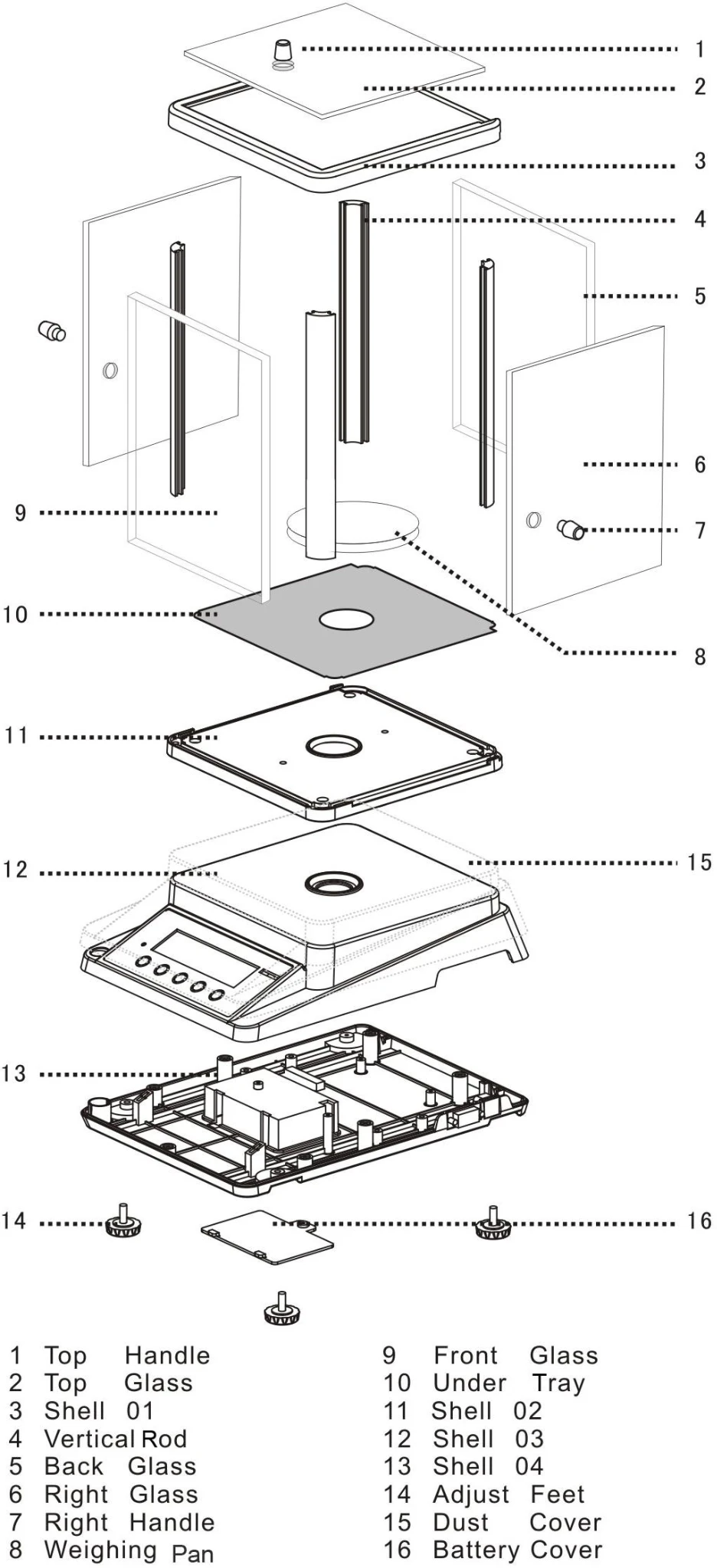
Figure 2
3. Display Icon
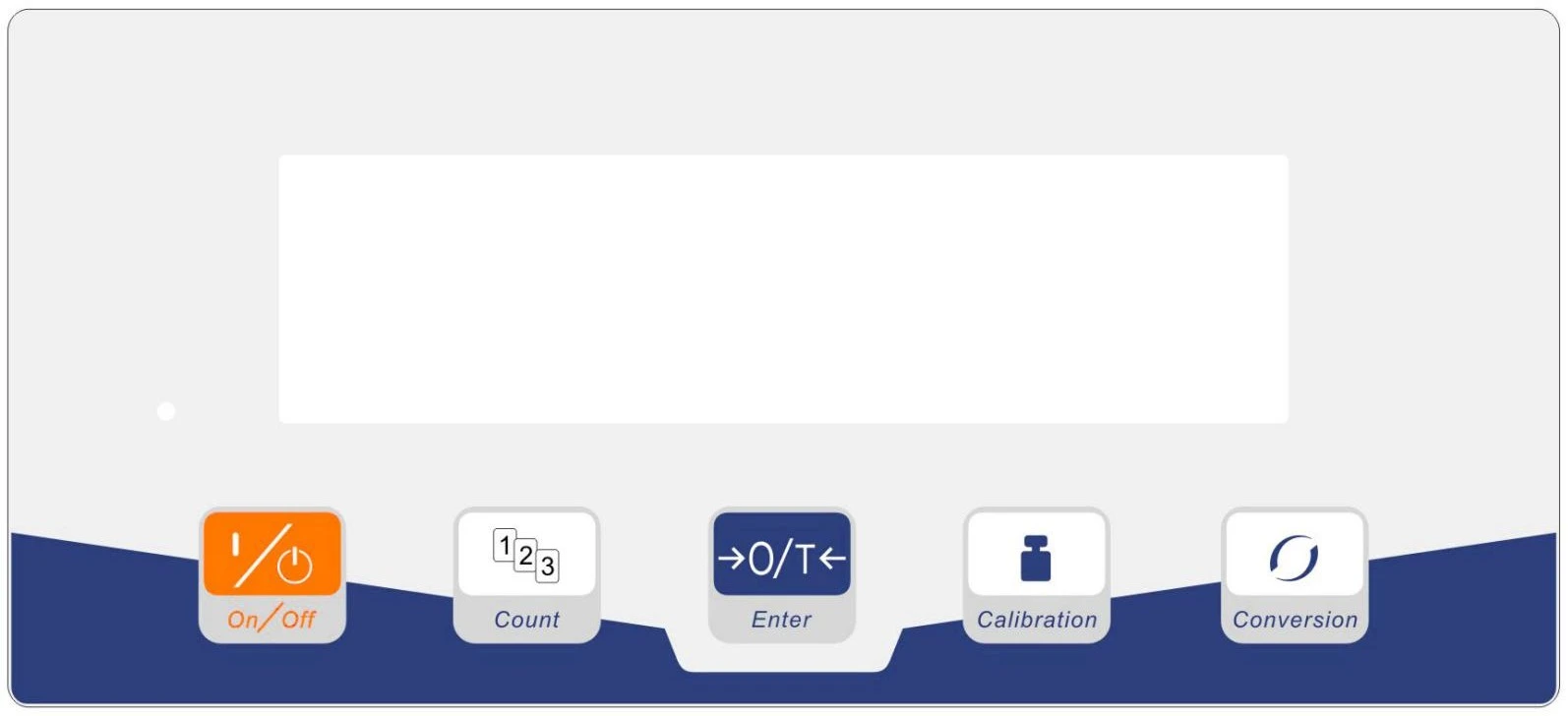
Figure 3
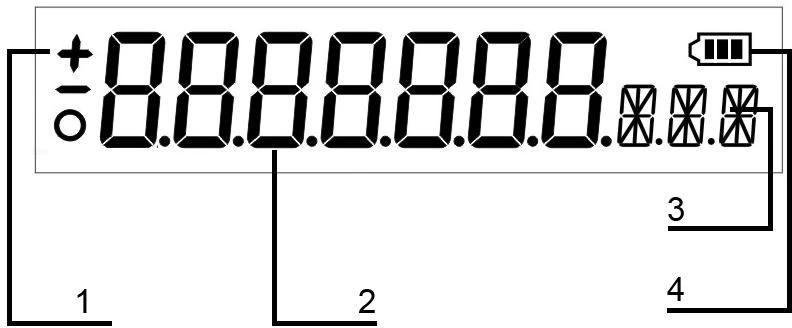
Figure 4
1. Status icon:"+"and"-"is the reading state, the "O" means the weighing process ,when it disappear ,the weighing is stable.
2. The digits :the digits means the object weight
3. The unit icon
4. The residual capacity of the battery
4. Working Condition
Working Temperature: 0°~50°C,
Maximum Consumed Power: 5W
Temperature Fluctuation: 5°C/h,
Power Supply:100-240V
50-60HZ Comparative Humidity: 50﹪~85﹪
5. Operation Requirements
When it is operated, electronic balance shall be placed on stable working platform to avoid the influences from mechanical vibration, direct sunshine and air current etc.
6. Operation
Power- on :Press the "ON/OFF" key, and the display indicates in turn "8.8.8.8.8.8.", "-, -, -, -,
-, - ". At last it shall display the weighing "X.XXX". If any error founded in display, you may turn on and turn off the balance once more. Then it will be operated normally.
7. Calibration
(1) Calibration Requirements
When distinct errors appeared in the weighing of balance, the balance shall be recalibrated to make weighing accurate. The recalibrated balance shall be placed on the stable working platform without the influences from the vibration of air current and strong electromagnetic wave. The calibration results will be more accurate after turn on the scale and warm up for more than 20 minutes .
(2) Calibration Procedure
Turn on the balance it shall display the weighing mode as "0.000", then press the "CAL" button until shows "CAL", then release. Display blinkingly the standard weight value and then place same value standard weight; The "= = = = = =" will be displayed; then display stably weight value and remove weight. then "= = = = = =" will be displayed. the "0.000" will be displayed. The calibration is finished.
8. Weighing
(1) Turn on the balance to make it warm up stably and display "0.000".
(2) Place a thing on the weighing tray and display the weight of the thing. It indicates the weight is already stable when the display value is not changed again.
9. Tare
(1) If there is a container on the weighing tray, the balance displays the weight of container.
(2) Press " "and then "0.000" will be displayed. It indicates that the tare has been deducted.
(3) Place the thing into container and the balance will display the weight of thing.
10. The counting operation of balance
Press "COU" button and "COU" will be displayed. Then display blinkingly one of value of counting mode, "5,10,20, 40, 50, 100, 200, 300, 400, 500" Press "" and choose one mode value. Place the things with same quantity with mode value on the weighing tray and then press "COU" . Then "= = = = = =" will be displayed. Very soonly , it will display stable mode value and then the setting of counting operation is finished. After that, counting operation could be conducted. Place the things in the weighing tray and display will show the quantity of thing.
(1) Counting operation requires the weight of weighed thing must heavier than the four times of minimum reading value,or the difference of counting could be great if not counting can't be done.
(2) Quit the counting operation:
Press the "COU" button and then "= = = = = =" will be displayed. The balance may quit counting operation state immediately and return the weighing state.
(3) Overload warning
When weighing thing is over the maximum weighing value of the balance, the display will show " " and indicate the thing is overloaded. The weighing thing shall be removed to avoid damaging the balance.
11. Cautions
(1) Please turn on and warm up the balance according the requirements before you weighing the things.
(2) Working environment and conditions shall conform to the environment requirements.
(3) The weight of all weighing things on the weighing tray can't exceed the required weighing range.
(4) When weighing is not accurate, calibration shall be undertaken by use of standard weight according to concerning requirements.
(5) If user found any defection in the balance, don't try to disassemble the machine shell and repair it to avoid damaging the precision parts in the machine. Please take it to the distributor or send it to the manufacturer and let them repair.
12. Unit Change
There are three units can be choose,press "UNIT" and choose the unit you need : gram , ct ,oz.
13. Weighing Range Setting
There are two weighing range can be choose, Press ""+"UNIT"to change the"0.00" and"0.000".
1.When the display show"0.000" the max weight is 100g,if the weight more than 100g, the accurate will be change to "0.00"automatic.
Note: In order to protect the sensor and the procedure, if you need 0.01g precision, please replace the 0.01g readability
2.When the display show"0.00",the max weight is 600g , and the total capacity is"0.00" accurate.
14. Minimum weight setting
Under the weighing range you need, you can choose the minimum weight as your requirement ,for example ,we choose the "0.00" accurate ,so we can set the minimum as following:
1. Turn on the balance when it display"0.00"
2. Press" 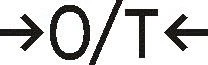 "+"COU",when it will display "1d"(there are 1d to 5d five digits can choose)
3. Press "COU" or " CAL " to choose the minimum weighing you required. then press" "to confirm your choice.
4. If you need choose "0.000"minimum weighing ,please choose the "0.000"accurate first.
15. Package list
Electronic Balance | 1 | Instruction Book | 1 |
Weighing Tray | 1 | Power Adapter | 1 |
Standard Mass | 1 |