


Analytical Balance BFT1P6 (BBAL-108)
Analytical Balance- Sea, Air, Door to Door Shipping
- 1 Year Warranty
- US & European Standards

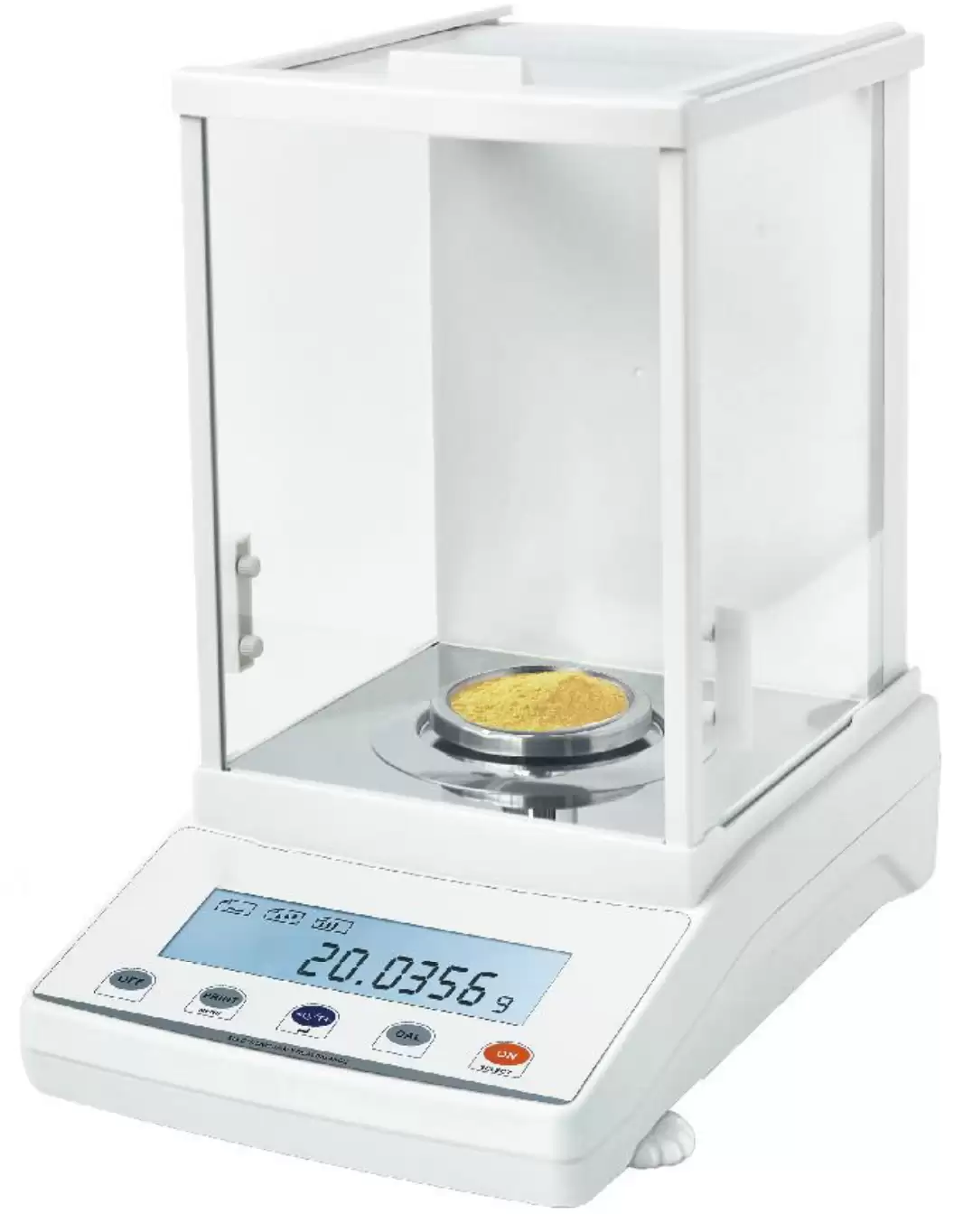
Specifications
| Model | BFT1P6 |
| Capacity | 220g |
| Readability | 0.0001g |
| Min Weighing | 0.0004g |
| Repeatability | ±0.0002g |
| Linearity | ±0.0003g |
| Stable Time | ≤3s |
| Pan Size | Φ80mm |
| Appearance Size | 365*210*355mm |
| Draft Shield Size | 175*165*230mm (Inner diameter) |
| Communication | RS232 (Standard) USB (Option) |
| Temperature | 15-35°C |
| Calibration | External calibration |
| Cal. Weight | 200g |
| Option | Printer/Under weighing |
| Packing Size | Inside:440*295*430mm Outside:490*335*485mm |
| Gross Weight | 10kg |
Features
Electromagnetic force sensorAluminum shell / Large space wind proof cover
LCD (White back light with black font)
Tare function / Counting / Unit conversion (g/mg/ct/oz...)
Sensitivity / Speed set / Percentage
Overload alarm / Fault alarm / Level indicator
Option: Under weighing / Printer
Accessories For Purchase
| Images | Name | Description | Information |
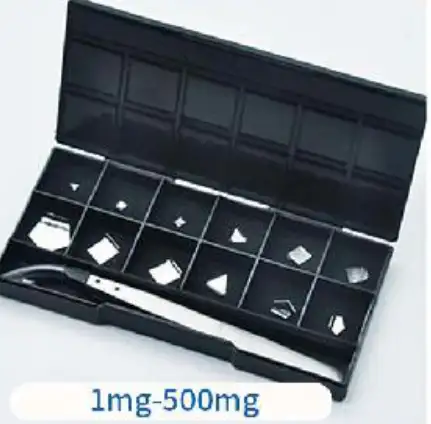 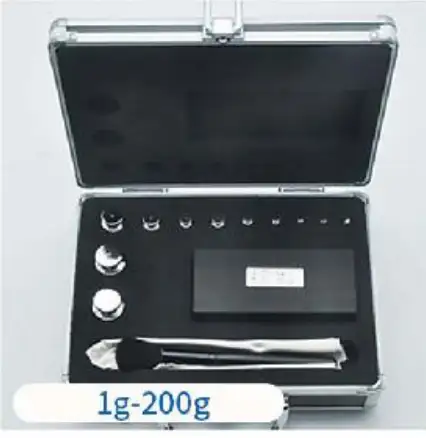 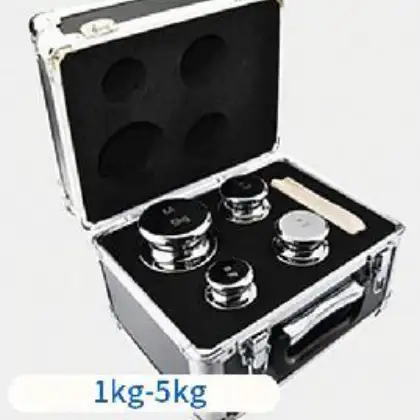 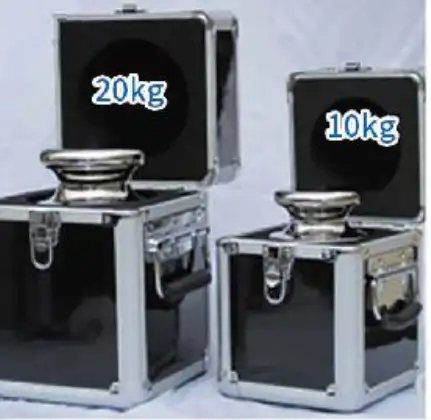 | Weight set | Recommend corresponding accuracy calibration (1mg-20kg) | M1 levelSuitable for 0.1g-0.01g F2 levelSuitable for 0.01g-0.001g F1 levelSuitable for 0.001g-0.0001g E2 levelSuitable for over 0.0001g |
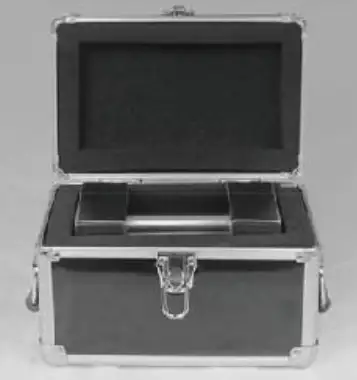 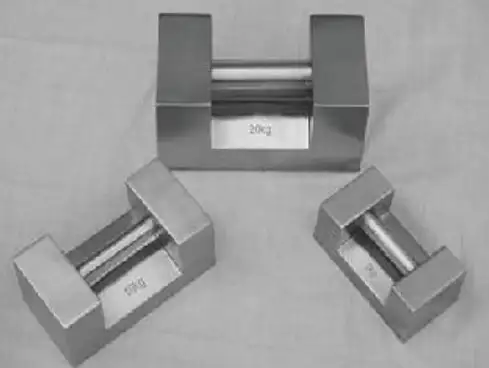 | Weight set | Lock type series weights (5kg-20kg) | M1 levelSuitable for 0.1g-0.01g F2 levelSuitable for 0.01g-0.001g F1 levelSuitable for 0.001g-0.0001g |
Photos
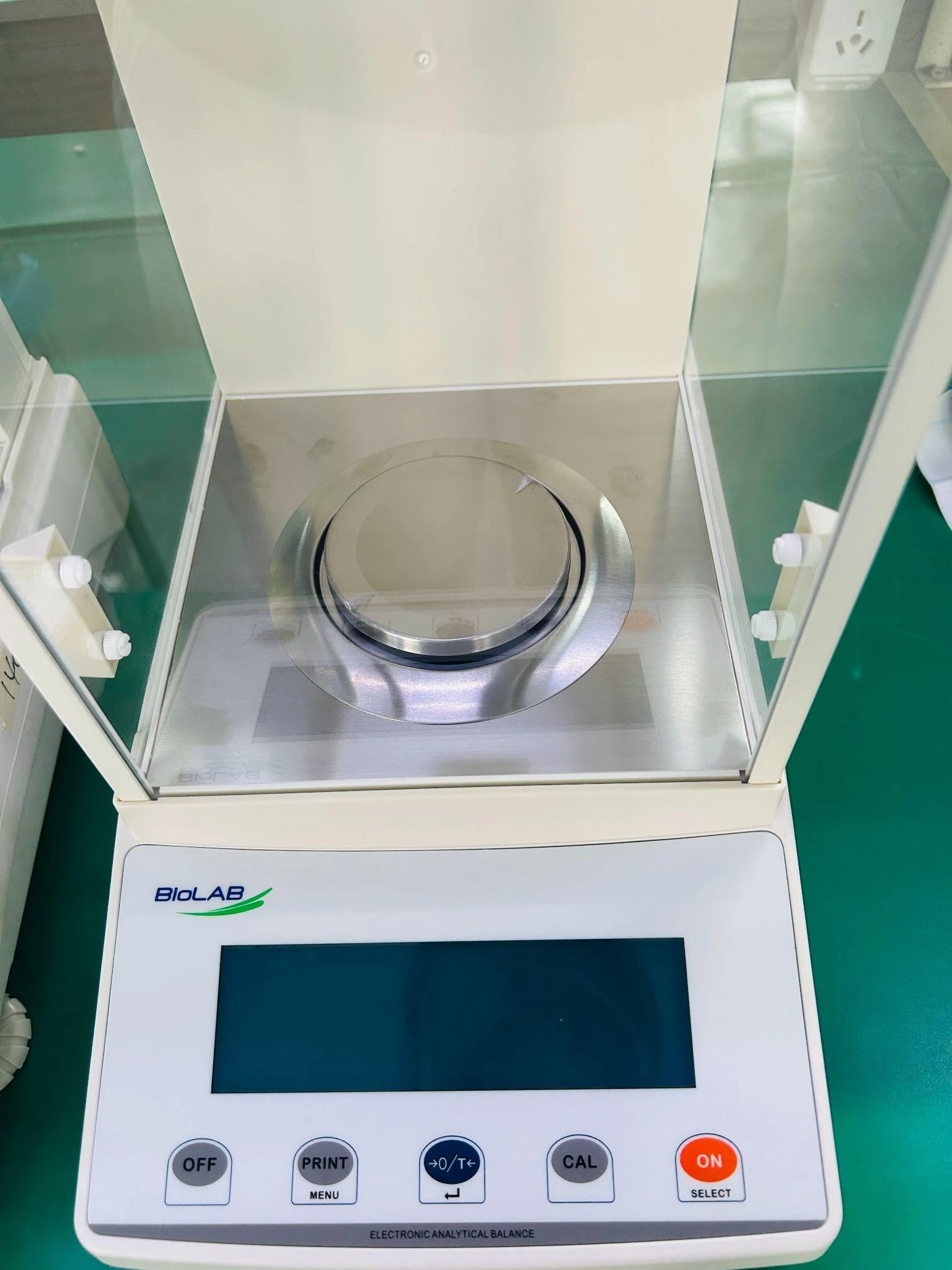

Operating Manual
Download1. KNOW YOUR BALANCE
2. SPECIFICATIONS
3. UNPACKING THE BALANCE
4. CALIBRATION THE BALANCE
5. LOCATING THE BALANCE
6. SETTING UP THE BALANCE
6.1 ASSEMBLING THE BALANCE
6.2 LEVELLING THE BALANCE
7. OPERATION SETTINGS
7.1 SENSITIVITY SETTING
7.2 SPEED SETTING
7.3 WEIGHING UNIT SETTING
7.4 COUNTING FUNCTION
7.5 INTERNAL AUTOCALIBRATION TIME SETTING
8. FAULT JUDGMENT
9. DATA OUTPUT
1. KNOW YOUR BALANCE
This Instruction Manual will guide you of the installation, accessories, trouble-shooting, after sales service information, general maintenance of the balance, etc. it will also guide you through the various applications. Please do not put the weight over the weighing capacity , it will be damage the weighing sensor.
Please read this Manual thoroughly before starting the operations. If you need any clarifications, feel free to contact us. The balances are ideal for laboratory and general purpose weighing.
The balances can also be used for some advanced weighing functions.
Specification:
Model | Range | Division | Repeatability | Linearity | Pan Size |
BBAL-108 | 220g | 0.1mg | 0.2mg | 0.5mg | Ø 80mm |
FEATURES:
Stainless Steel Pan
Super bright LCD display with backlight
RS232 Interface
Adapter supplied as standard
Windshield supplied as standard
Height adjustable feet, Bubble Level
Auto Calibration
Select measure units, mg,g, oz, ct
Memory for accumulated time
Weighing function
Piece counting function
Below balance weighing
It is internal calibration
Applications:
Weighing
Net weight / tare
Below balance weighing
Piece counting function
2. SPECIFICATIONS
Model | BBAL-108 |
Range | 0-220g |
Division | 0.1mg |
Repeatability | 0.2mg |
Linearity | 0.5mg |
Resp. Time | ≤ 4 Sec. |
Pan Size | Ø80mm |
Tare Range | Full |
Interface | RS-232 bi-directional |
Overall Dimensions | 340 x 215 x 350mm |
Operating temperature | +10°C to 40°C |
Power Supply | External Power Adapter as standard (Input Voltage220 V) |
Net Weight | 7.5 kg |
Table 1
3. UNPACKING THE BALANCE
Remove the balance from the packing by carefully lifting it out of the box. Inside the box you will find everything needed to start using the balance
4. CALIBRATION THE BALANCE
The balance need calibration when it not accurate, the step as:
• Keep the balance in the stable environment and stable table,Warm up the balance more than 1hours.
• Press"CAL" key,
It will show and shining: CAL-XXX.XXXX,put on the same weight. Then the value will keep stable,Finally,move away the weight;
It will going internal calibration, when it show 200.0000g, the calibration finish.
5. LOCATING THE BALANCE
• The balance should not be placed in a location that will reduce the accuracy.
• Avoid extremes of temperature. Do not place in direct sunlight or near air conditioning vents.
• Avoid unsuitable tables. The table or floor must be rigid and not vibrate.
• Avoid unstable power sources. Do not use near large users of electricity such as welding equipment or large motors.
• Do not place near vibrating machinery.
• Avoid high humidity that might cause condensation. Avoid direct contact with water. Do not spray or immerse the balances in water.
• Avoid air movement such as from fans or opening doors. Do not place near open windows or air-conditioning vents.
• Keep the balance clean. Do not stack material on the balances when they are not in use.
6. SETTING UP THE BALANCE
6.1 ASSEMBLING THE BALANCE
▪ Locate balance on solid surface, free from vibration
▪ Open the sliding door and gently place the stainless steel top.
▪ Level balance using the adjustable feet and the bubble level
▪ Connect the power to the balance
▪ For best performance, let the balance warm up for 30-60 min. and calibrate before using
6.2 LEVELLING THE BALANCE
After placing the balance in a suitable place, level it by using the bubble level. To level the balance turn the two adjustable feet at the rear of the balance until the bubble in the bubble level is centred.
7. OPERATION SETTINGS
7.1 SENSITIVITY SETTING
Keep pressing ON, when"Stab"is shown in the display,. Then operation as blow:
 --Poorest Sensitivity
 --Poor Sensitivity
 Normal Sensitivity
 High Sensitivity
press →0/T← to save setting
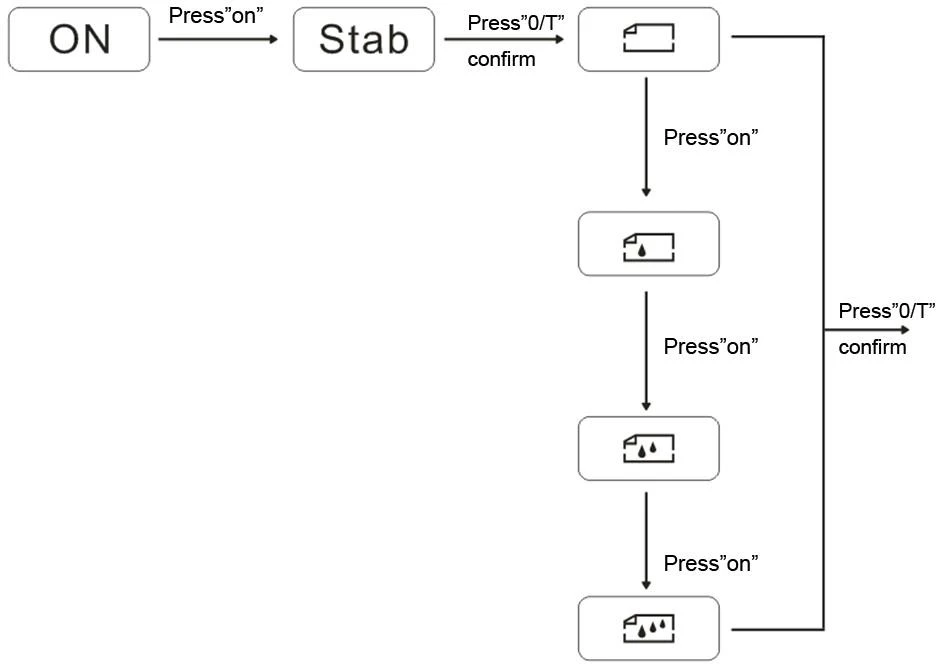
Figure 1
7.2 SPEED SETTING
Keep pressing ON, when "speed" will show in the display,
--Highest Speed
 --High Speed
 --Normal Speed
 --Low Speed
press →0/T← to save setting
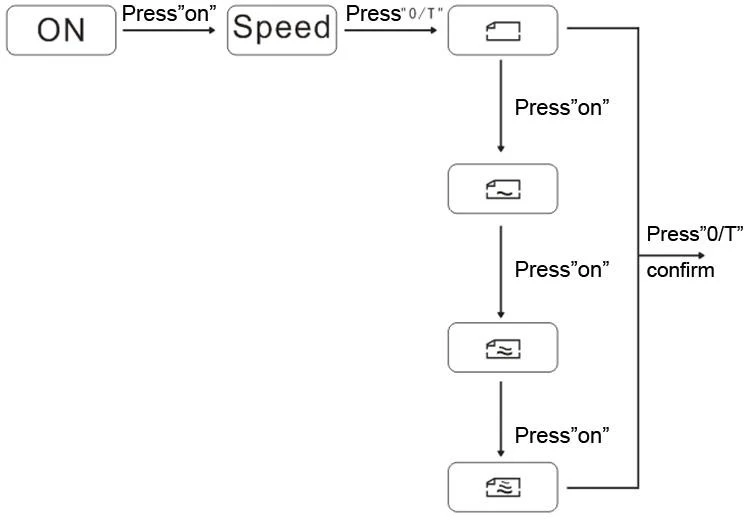
Figure 2
7.3 WEIGHING UNIT SETTING
Keep pressing ON, when Unit is shown ,Then operation as blow:
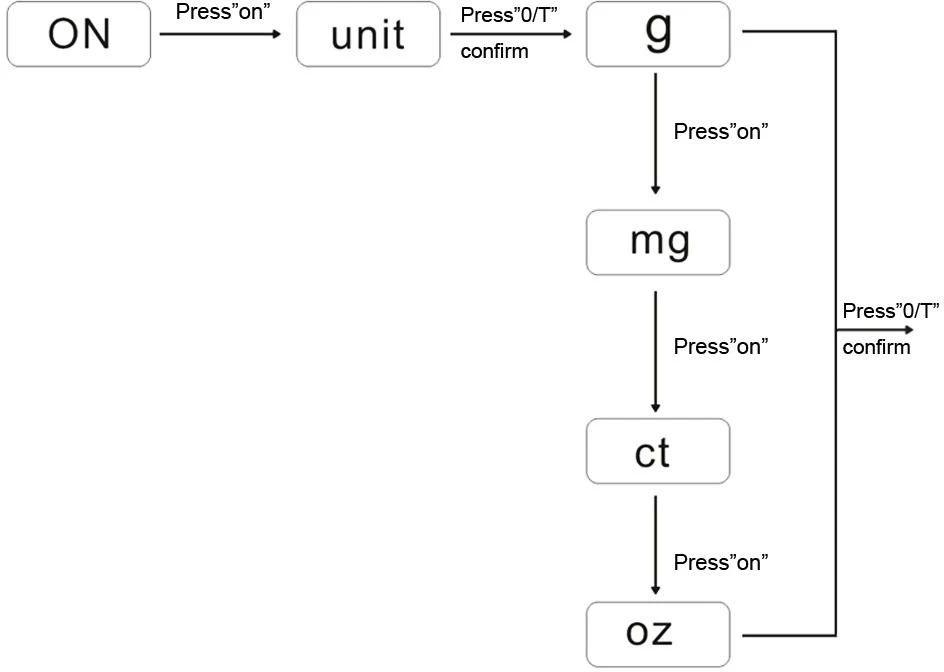
Figure 3
7.4 COUNTING FUNCTION
There are counting functions in the balance, and you can use this for count the quantity.And please keep the products the same weight, and the minimum weight must be ≥0.5mg.
The details operation as blow:
1.Press "ON" key,enter the menu,then press"ON"key,until it show "COU";
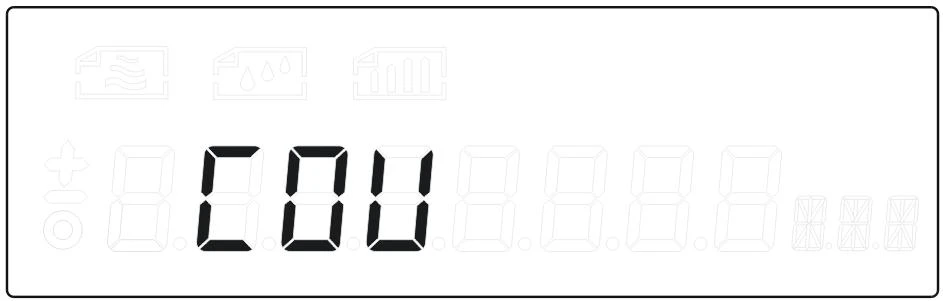
2.Press"0/T"to enter the counting function,it show" COU 5pcs";
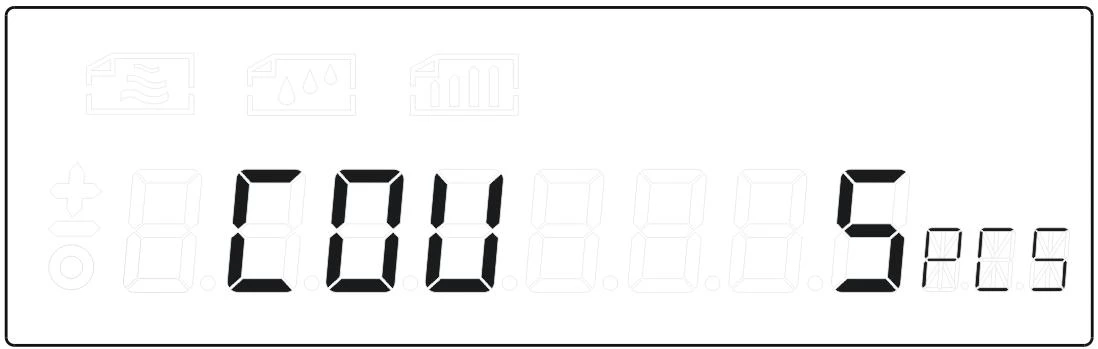
3.Press"ON"choose the quantity for sample,and put on the same weight,press"0/T"enter:
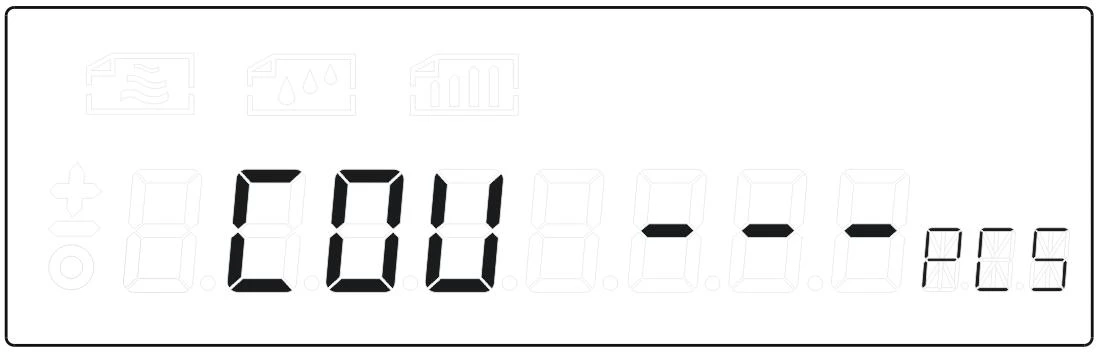
4.it will show the number after COU,then you can begin the counting;
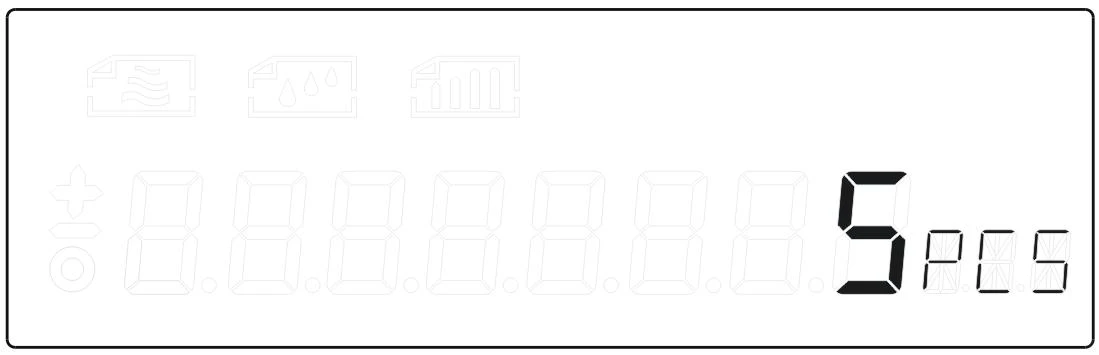
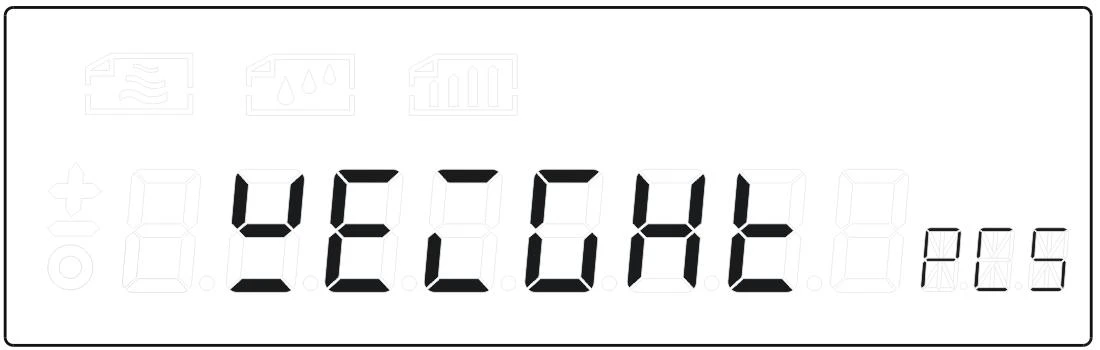
5.After the counting press"ON"and choose"weight,press"0/T"back to the weighing.
7.5 INTERNAL AUTOCALIBRATION TIME SETTING
Press" ON" until it show "AUTO CAL",Press "0/T" to enter the automatic calibration time setting, press "ON" to choose the different time:
 --10 minutes automatic calibration
 --30 minutes automatic calibration
 --60 minutes automatic calibration
 --Turn off the automatic calibration
Finally, Press "0/T" to confirm the setting.
8. FAULT JUDGMENT
If you come across any problem, you can check it by yourself and find the reasons.
FAULT | REASON | EXCLUDE |
No display | Not connected to the power supply; Fuse is broken; Power transformer damage; | Plug in the power line; Replace the fuse; Replacement of power transformer; Contact factory |
Weighing unstable | Bad working conditions; The wind screen is open; Something between the table and balance; The power unstable; Weighing unstable; | Keep the environment stable,close the windows and doors; Close the glass door; Take away the things; Connect the stable power; |
The weighing digits is wrong | The balance not calibration. Not tare before weighing. No adjust the level. | Calibration. Tare before weighing. Adjust the level feet. |
Table 2
9. DATA OUTPUT
1 | Model or a decimal point |
2 | A space or a decimal point |
3 | A space or * |
4 | + or - or a decimal point |
5 | data |
6 | Data or a decimal point |
7 | Data or a decimal point |
8 | Data or a decimal point |
9 | Data or a decimal point |
10 | Data or a decimal point |
11 | Data or a decimal point |
12 | Data |
13 | Unit 1 |
14 | Unit 2 |
15 | Unit 3 |
16 | Enter |
17 | Wrap |
Table 3